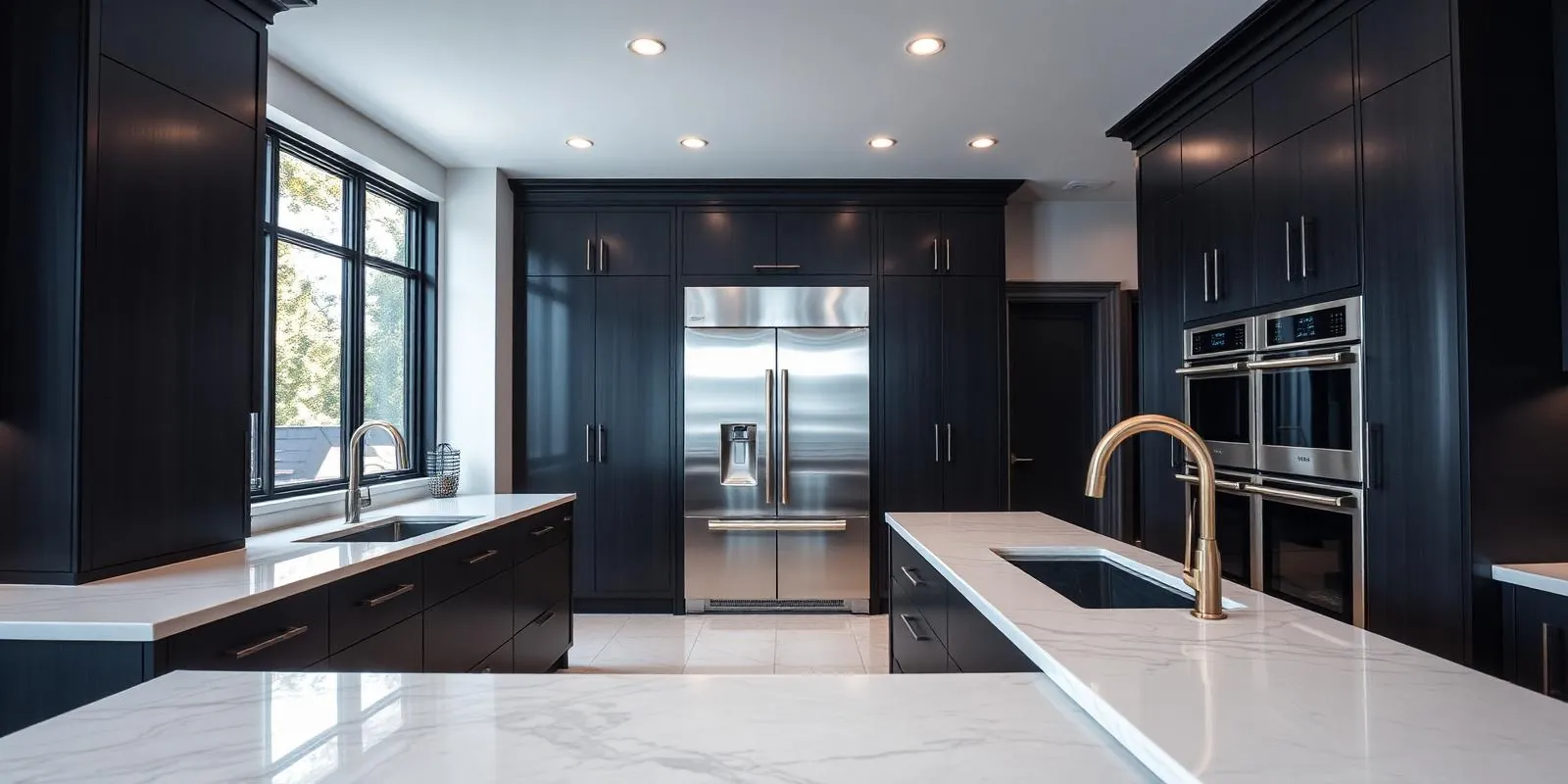

A high-end kitchen in a Brooklyn brownstone relies on precision, especially when preparing for large family gatherings. When a Wolf oven enters Sabbath mode, it is designed to override standard safety shut-offs and lighting behavior to comply with religious requirements. However, once the observance has ended, homeowners occasionally find that the display remains dark, the buttons do not respond, and the oven refuse to return to standard operation.
Is the control panel simply locked, or has the software glitched? Why does the standard exit command fail to register? What should you do if the display remains blank despite following the manual's exit steps?
A Wolf oven that remains stuck in Sabbath mode usually indicates a specific sequence error, a non-responsive touch interface, or a control board failure that requires professional diagnosis.
Understanding the Sabbath Mode Logic
Wolf ovens utilize Sabbath mode to disable lights, icons, and tones. On many models, the display will show the word 'Sabbath' or simply remain blank except for a small indicator. Because the interface is intentionally limited during this time, exit commands are often non-intuitive. On most M Series or E Series ovens, you must press and hold the 'Sabbath' key for several seconds—typically three to five—to exit. On older models, you may need to press and hold the 'Enter' or 'Cancel' key.
If you are following the manual's specific exit sequence and the oven does not beep or change the display, the touch sensors may not be registering the input. In the dense humidity of a New York City kitchen, grease or moisture buildup on the control glass can interfere with touch sensitivity. Ensure the glass is completely clean and dry before attempting the exit sequence again.
Troubleshooting Power and Control Glitches
If the interface is completely unresponsive, the internal control logic may have stalled. Before seeking oven repair nyc, you can attempt a hard reset of the appliance.
Safety Warning: Ovens operate on high-voltage 240V circuits. Do not attempt to access internal wiring or the control board yourself. For a logic reset, use the dedicated circuit breaker in your home's electrical panel.
- Locate the circuit breaker for the oven.
- Flip the breaker to the 'Off' position.
- Wait at least five full minutes to allow the capacitors on the control board to discharge completely.
- Flip the breaker back to 'On'.
Once power is restored, the oven should go through a boot sequence. If it immediately returns to the Sabbath mode state and still refuses to exit via the keypad, there is likely a fault in the control assembly or the touch membrane itself.